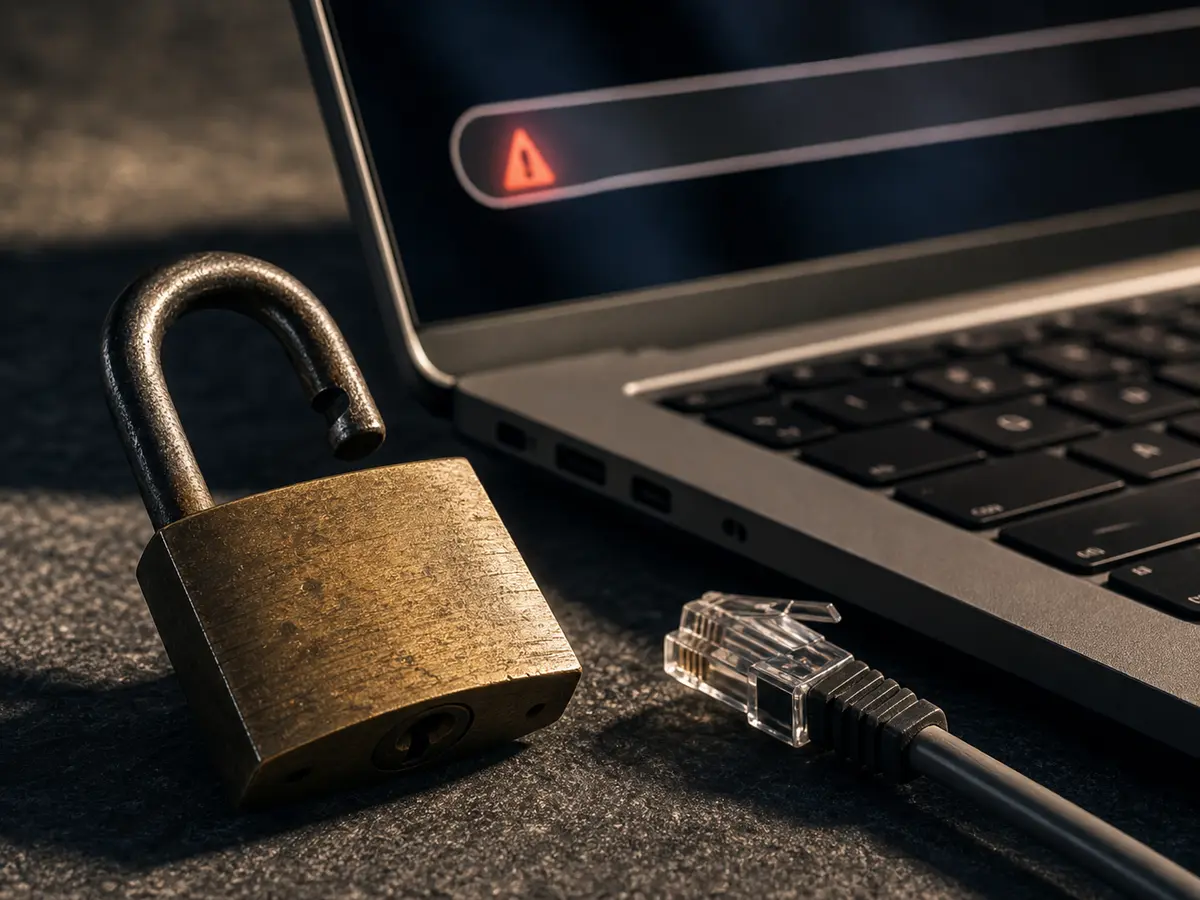
Google released Chrome 62 on 17 October. With it came a change many website owners have not noticed yet: the browser now displays "Not Secure" in the address bar on any HTTP page that contains a form or input field.
If your site has a contact form, a search field or a login without HTTPS, visitors are already seeing this warning today.
What does this mean in practice?
A person who lands on your contact page and sees "Not Secure" in the browser immediately gets a signal that something is wrong. Most people do not understand what HTTPS means technically, but they recognise that a warning is not good. For many, that is enough to close the tab.
This is not just a technical detail. It affects trust in your brand, and it affects conversion on the pages that matter most: the ones where a customer is about to get in touch.
Google has been signalling this for years
Google began favouring HTTPS sites in search rankings back in 2014. Since then, it has gradually made the HTTP warning more prominent in Chrome.
The direction is clear: eventually all HTTP pages will be marked as "Not Secure," regardless of whether they contain forms. Chrome 62 is the next step in that direction.
What is HTTPS and why does it matter?
HTTPS encrypts the connection between the browser and the website. Information submitted through a contact form, for example, cannot be intercepted.
For most small and medium businesses, the technical security aspect is not the most important argument. What matters most is that visitors do not see a warning that undermines trust at precisely the moment they are about to contact you.
How to fix it
You need an SSL certificate. There are two routes:
Free: Let's Encrypt offers free SSL certificates supported by most modern hosting providers. Many offer one-click installation through their control panel.
Paid: Some hosting providers offer commercial certificates with better support and extended validation. For most SMBs, Let's Encrypt is more than sufficient.
After the certificate is installed, the website must be configured to always use HTTPS, and all internal links, images and resources need to be updated. If this is not done correctly, parts of the page can still load over HTTP and the warning will appear regardless.
An opportunity to do more than just fix the problem
Switching to HTTPS is a good occasion to review the overall technical health of your website: load time, mobile display, indexation and other fundamentals that affect both users and search engines.
Many SMB websites were set up years ago and have never had a proper technical review. Those reviews typically uncover more than just the SSL issue.
Not sure whether your website is affected? Get in touch: we will take a quick look and tell you what needs to be done.